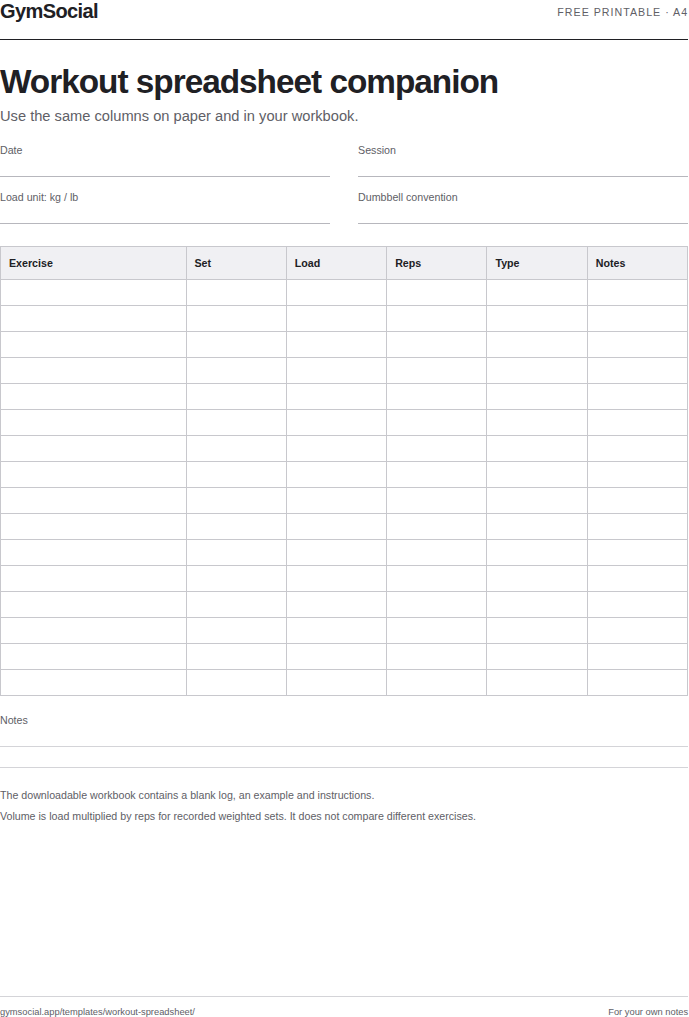
This workout spreadsheet records one completed set per row. It includes a blank log, a fictional example and instructions, with an automatic load-times-repetitions calculation for weighted sets.
Download the XLSX to use in compatible spreadsheet software, or choose the CSV for a plain table. A matching printable is available in A4 and Letter. You manage the file yourself; GymSocial does not receive the numbers you enter.
What is in the workbook
The Instructions sheet explains the columns and their limits. Workout log contains one hundred blank rows, with a frozen heading row and a filter. Example shows one fictional weighted set so you can see the relationship between load, repetitions and calculated volume without mistaking it for a recommended session.
The columns are date, session, exercise, set number, load, unit, repetitions, set type, volume and notes. Keep date entries consistent, such as year-month-day, so sorting puts sessions in the order you expect. Give exercise variations identifiable names rather than grouping every press or row together.
Understand the volume column
For numeric load and repetition entries, the sheet multiplies the two values. A fictional 40 kg set of eight repetitions produces 320 kg-repetitions. When either input is missing, the result stays blank. The formula is a description of the recorded load, not a measure of how hard the set felt.
Do not add kilograms and pounds in one total. Compare the same exercise and load convention when reviewing changes. Bodyweight movements, machine-stack labels, holds and assisted exercises do not become directly comparable because they appear in neighbouring rows. Leave volume blank when that metric does not describe the entry usefully.
Keep your own working copy
Save a clean master before entering sessions. If you import the XLSX into a cloud spreadsheet, the account and sharing settings of that service control who can access it. Check those settings before sharing a link, especially when the notes include personal information.
The CSV contains column headings and blank rows without workbook formulas, formatting or multiple sheets. Choose XLSX when you want the supplied calculation; choose CSV when you intend to build your own workflow. Neither file connects to GymSocial, imports a routine into the app or synchronises with an account.
Common questions
Are there macros?
No. The workbook uses ordinary cell formulas and contains no macros, external connections or scripts.
Why is there no total for everything?
A single total can hide mixed units, different exercises and inconsistent equipment conventions. Filter comparable entries before doing your own analysis.