
Count the exercise sets in your own week
Choose an exercise, enter sets per session and enter how many sessions include it that week. The calculator multiplies those two numbers, then groups the result using GymSocial’s primary and secondary catalog tags. It does not choose how many sets you should perform.
For example, three sets of an exercise performed twice in a week gives six exercise sets. A primary chest tag assigns those six to the chest primary column. If the exercise also has a secondary triceps tag, the same six appear as secondary exposure for triceps. They have not become twelve distinct exercise sets.
Add a separate row when an exercise has a different set count in another session. You can also enter zero for a row you want to leave in the plan temporarily without counting it. This is a calculator for the entries you supply, not a connection to your saved workout history.
Keep primary and secondary counts separate
The table deliberately avoids inventing a fractional conversion such as treating every secondary set as half a direct set. A catalog label does not establish a universal amount of training stimulus. Exercise execution, effort and individual differences are not measured by this tool.
If you add an isolation exercise for a muscle that also appears secondarily in another movement, both kinds of exposure remain visible. Read the two columns as different categories instead of adding them into a scientifically precise effective-set total. That distinction is part of the method, not missing arithmetic.
The catalog’s labels are also broader than a full anatomical analysis. An exercise can list more than one primary muscle, and a set then appears in more than one primary row. Adding all muscle rows will therefore not reliably reproduce the exercise-set total shown above the table.
Read the body map as an illustration
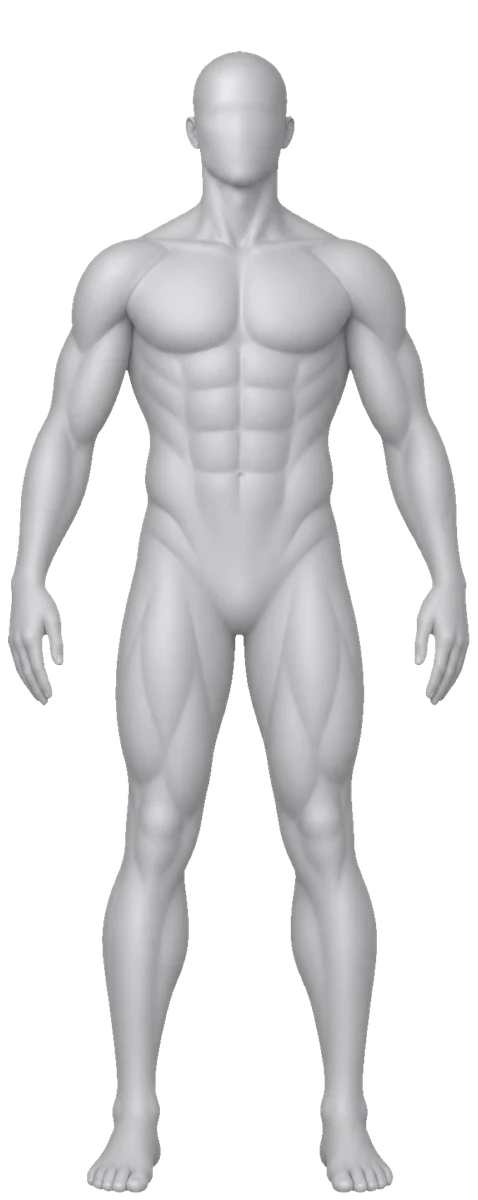
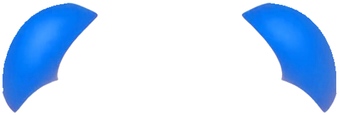
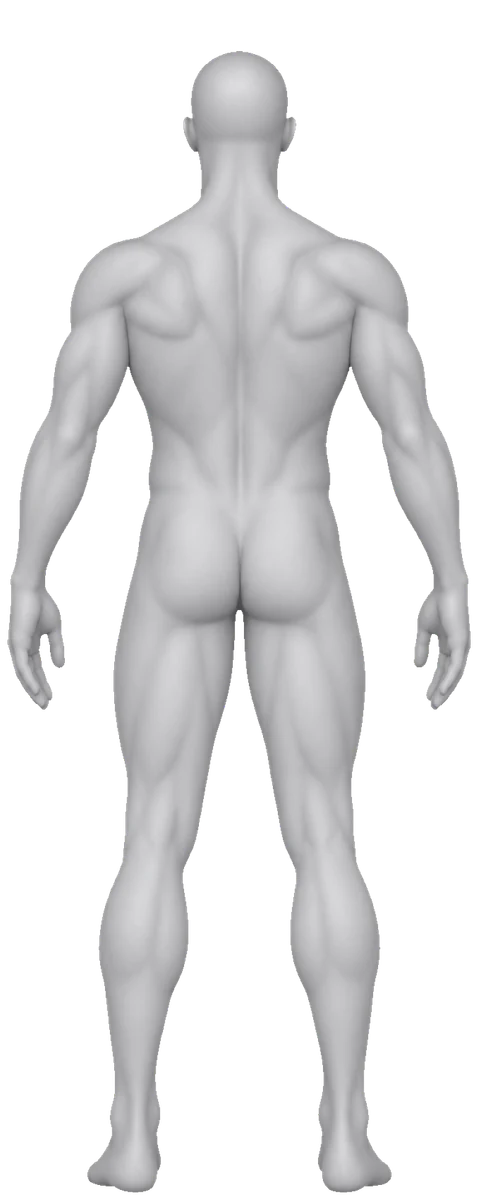
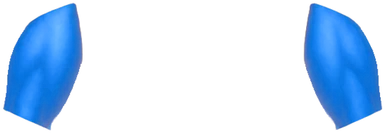
Solid blue shows a broad region with a primary tag in the entered exercises. Pale blue marks a region that appears only secondarily. The colour does not estimate soreness, recovery, activation intensity or whether a muscle has received enough training.
Some detailed tags share a broader illustrated region. Lats and traps appear within the back region, while rear delts use the shoulder region. Forearms are reported in the table but do not have a dedicated overlay. The table is the more detailed record when the drawing combines several labels.
Changing between the male and female figure changes only the artwork. It does not change the counting method or recommend a different programme. The original GymSocial body images illustrate catalog regions; no licensed exercise demonstration animations are used here.
Common questions
Does the calculator tell me the ideal number of sets?
No. It counts the week you enter. It does not set a target, evaluate recovery or decide whether a programme is appropriate for you. Use the displayed assumptions when discussing a plan with a suitable coach.
Should I include warm-ups?
Choose a consistent convention for the question you want to answer. The input is labelled for working sets, but the tool cannot identify the actual sets you type. Do not silently mix working-only counts with counts that include warm-ups.
Is this the same as GymSocial Insights?
This is a standalone browser calculation from manually entered exercise rows. It does not read your account or claim to reproduce every date window, filter or calculation in the app’s Insights screen.
What if my exercise is missing?
This tool uses the built-in catalog. It does not assign tags to a custom movement from its name. Keep that exercise separately in your notes rather than selecting an unrelated movement just to make the weekly total look complete. The result describes only the exercise rows you entered.